See the risk. Understand the response. Choose the protection you need.
Explore six visual stories showing how Malware INFO helps people check suspicious files, strengthen protection, and turn complex incidents into useful evidence.
Spot the warningCheck with confidenceKeep the evidence
Follow the incident journey
Six moments. One team learning when to stop, check, protect, and investigate.
Start with the situation on screen. Then reveal the Malware INFO workspace that supports the next decision.
A confident first step
Make a safer first decision—without the guesswork.
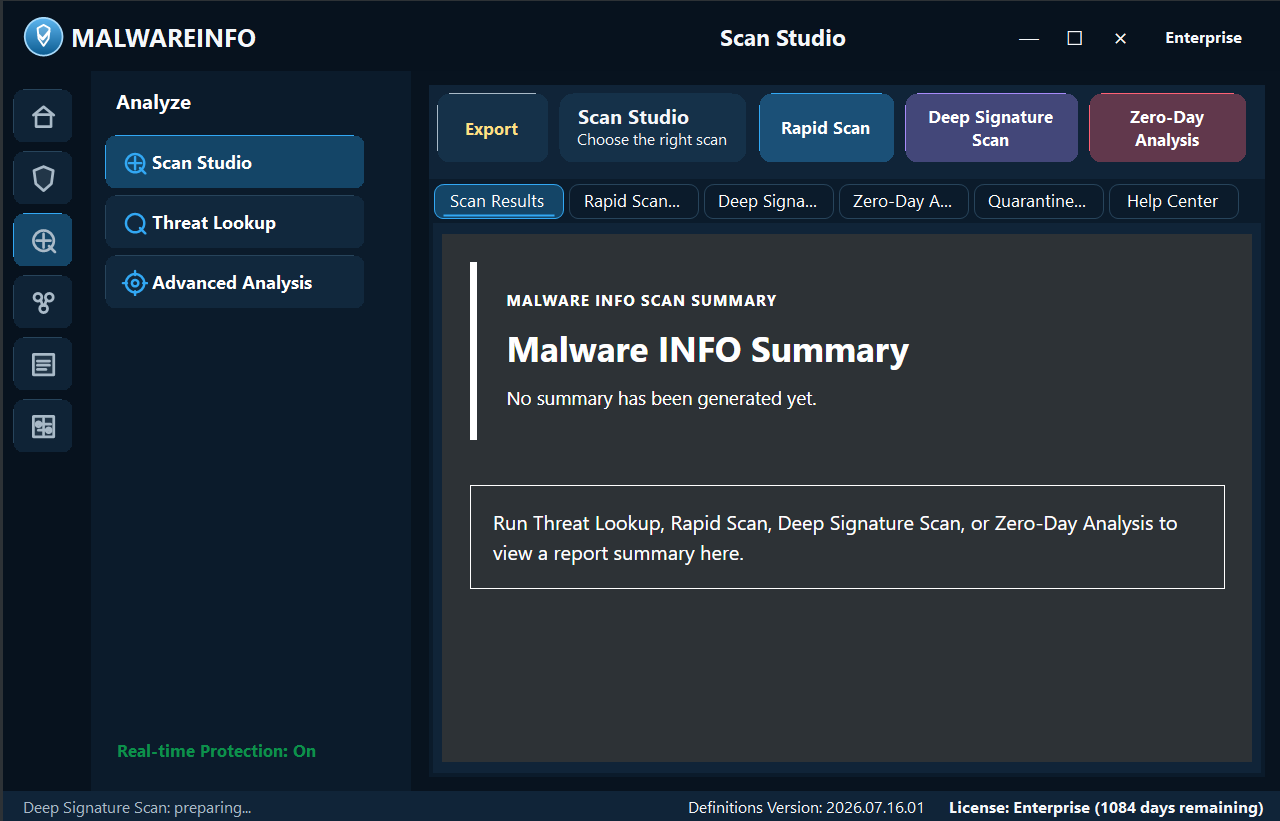
Start at no cost with threat lookups, rapid and deep signature scans, quarantine, and reports you can review or share.
From the suspicious file to a clear scan workspace.
FREE CASE 01
One USB. One unexpected file.
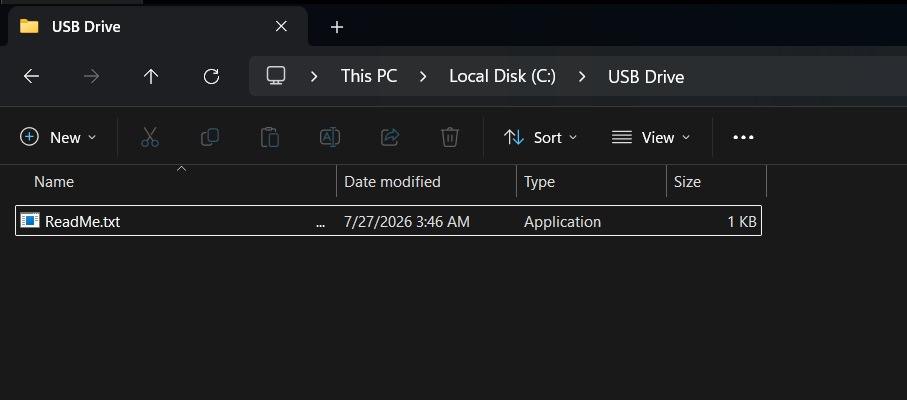
Mia opens a familiar drive and sees something immediately wrong: her usual folders are gone, and only ReadMe.txt remains.
!
The safest first move: do not open it.
What stands out
Missing files and an unexpected executable are clear reasons to stop and inspect.
With Malware INFO
Use Rapid Scan or Deep Signature Scan to examine the suspicious item, quarantine a finding, and keep a report.
Why it matters
Mia avoids an unnecessary risk and gives Sam useful evidence—not a guess.
Send only to an approved HTTPS receiver configured by the organization.
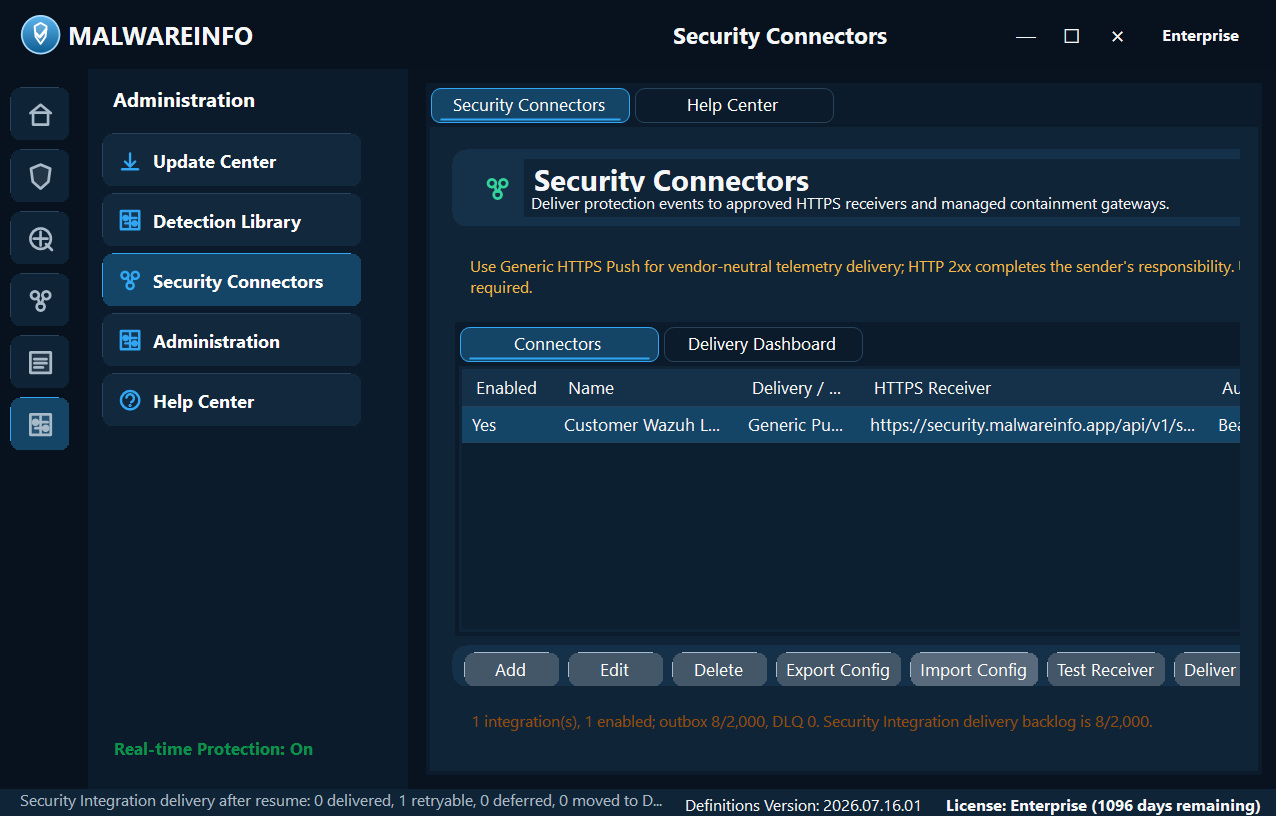
Move from a waiting event queue to a configured security connector.
ENTERPRISE CASE 02
Put the right evidence in front of the right team.
Protection events are ready for action. Enterprise keeps delivery controlled, visible, and connected to the organization’s response workflow.
!
A clear delivery trail helps the team preserve context and accountability.
What stands out
Security evidence needs an approved destination and visible delivery status.
With Malware INFO
Security Connectors can deliver protection events to approved HTTPS receivers and managed containment gateways.
Why it matters
Sam can test the receiver, retain delivery state, and move the event into the response process.
Technical view
See where Malware INFO can help interrupt the Cyber Kill Chain®.
Select a stage to compare what each edition can directly do, what it can support, and where the product has no direct role.
Honest scope: a capability shown here applies only to the listed Malware INFO feature, supported evidence, edition, and configuration. It does not mean complete coverage of the stage.
01
Reconnaissance
An attacker researches people, systems, or public information before attempting access.
FreeContext only
Threat Briefing and Vulnerability Alerts can help users follow known threats. Malware INFO does not observe an attacker researching the organization.
ProfessionalContext only
Threat Intelligence and configured external feeds can add preparation context, but they do not directly detect reconnaissance.
EnterpriseContext only
Organization watchlists and private indicators can support preparation. External reconnaissance remains outside direct product visibility.
02
Weaponization
An attacker prepares an exploit, document, executable, or other payload.
FreeNot directly addressed
Malware INFO does not see a payload being built. If an artifact becomes available, Free can look up or scan it without running it.
ProfessionalInspect
Zero-Day Analysis can add review context to an acquired suspicious file; it does not observe the attacker’s build process.
EnterpriseInspect
Private rules and controlled analysis workflows can inspect an acquired artifact. External weapon creation is not directly observed.
03
Delivery
The payload reaches the target through email, a website, removable media, or another channel.
FreeInspect
Threat Lookup and local scans help users check an attachment, download, or USB file before opening it.
ProfessionalMonitor
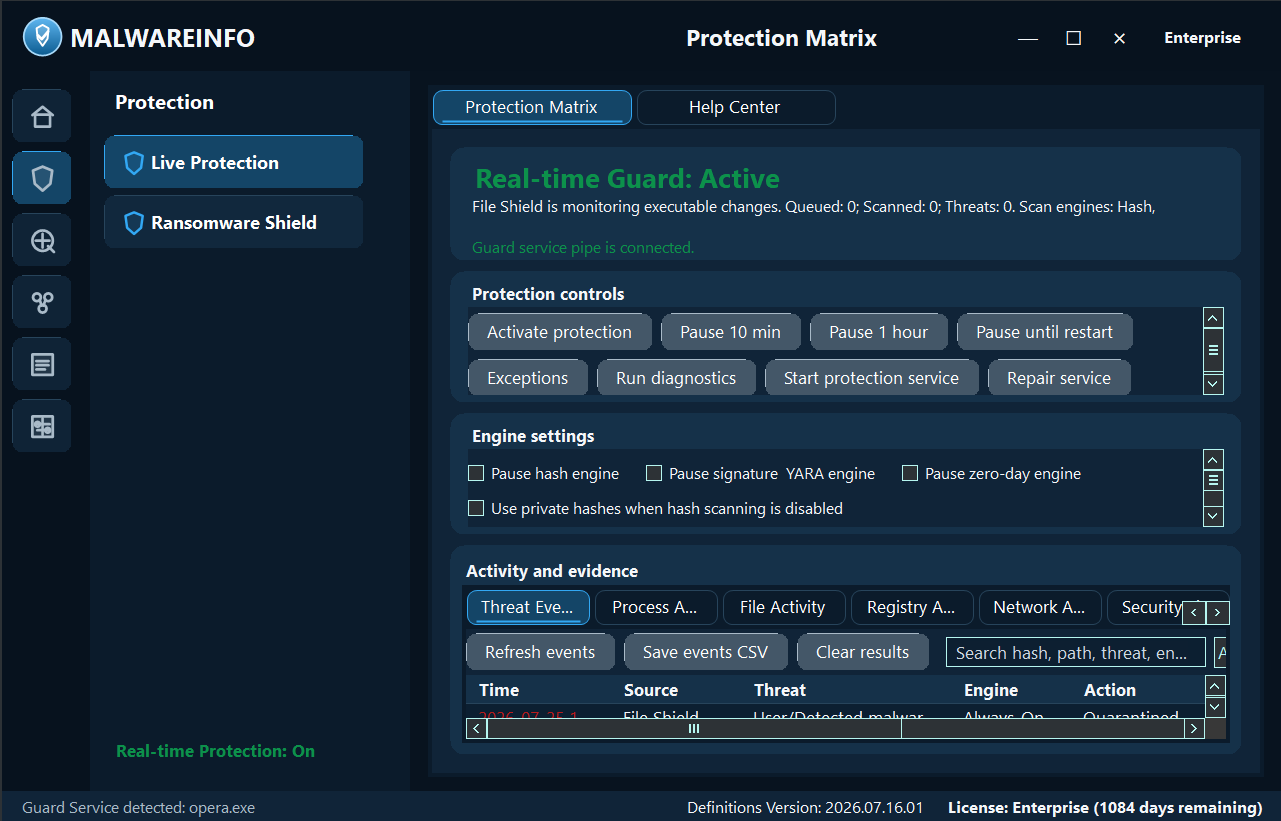
Live Protection can record supported file and process activity on the endpoint. It is not an email or web gateway.
EnterpriseMonitor
Enterprise adds organization-controlled indicators and administration around the same endpoint evidence; delivery channels remain separately protected.
04
Exploitation
Code runs or a vulnerability is abused on the target system.
FreeNot directly addressed
Signature scanning may identify a known file, but Free does not provide general exploit prevention.
ProfessionalMonitor
Zero-Day Analysis and Live Protection can provide alert context for supported suspicious behavior; they do not guarantee every exploit is blocked.
EnterpriseInspect
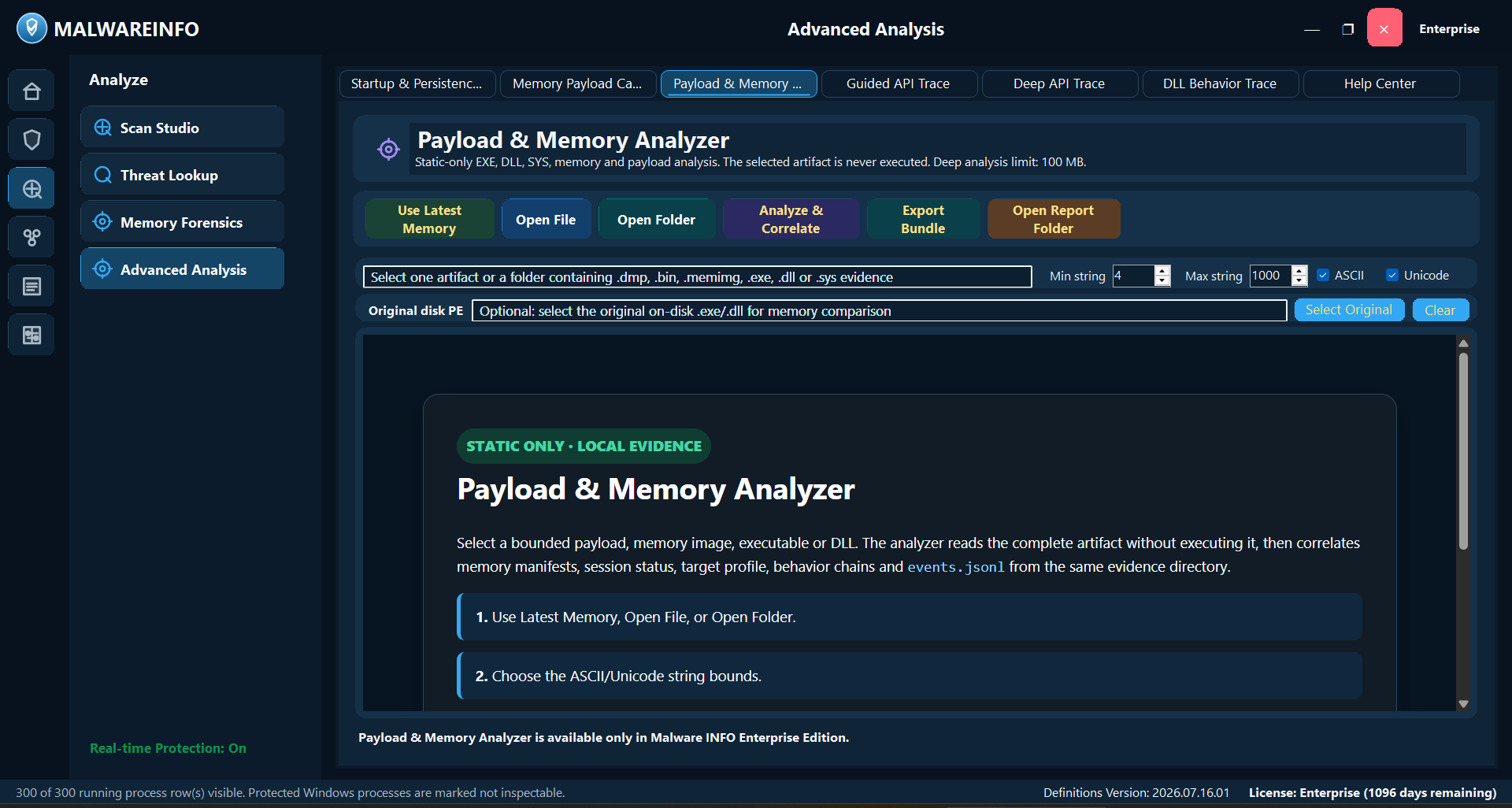
API Trace, Memory Payload Capture, and related analysis can deepen an authorized investigation when eligible evidence exists.
05
Installation
The attacker attempts to establish malware or persistence on the system.
FreeRespond
A detected file can be quarantined through an explicit user action. This does not prove every installation attempt was prevented.
ProfessionalMonitor
Live Protection can record supported installation-related file, process, or registry activity and support follow-up scanning.
EnterpriseRespond
Startup & Persistence Manager can review supported Run/RunOnce entries and enabled executable Scheduled Tasks, with controlled remediation and restore records.
06
Command & Control
The compromised system communicates with attacker-controlled infrastructure.
FreeInspect
Threat Lookup can check a selected IP, domain, URL, or hash. Free does not continuously inspect all network traffic.
ProfessionalMonitor
Threat Intelligence and supported Live Protection network history can add reputation and endpoint context.
EnterpriseRespond
API Trace may preserve supported network behavior, while Security Connectors can route approved protection events. Neither claim replaces network-wide C2 detection.
07
Actions on Objectives
The attacker pursues the intended result, such as theft, disruption, or encryption.
FreeInspect
Quarantine and reports help preserve findings and document the response. Automatic enterprise containment is not included.
ProfessionalProtect
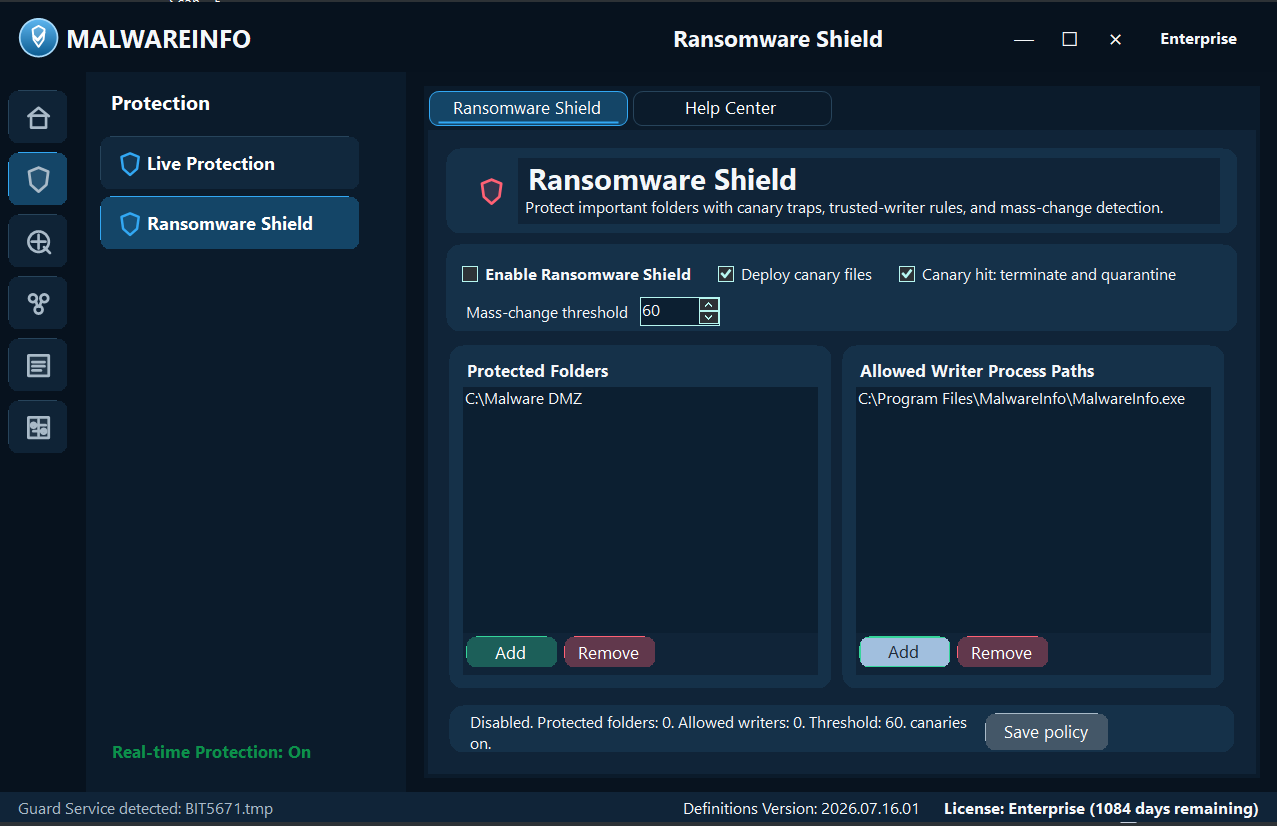
Ransomware Shield can protect configured folders with canary and mass-change policies. Tested backups and response procedures are still required.
EnterpriseRespond
Security Connectors can route approved events or containment requests, and enterprise analysis can preserve deeper evidence for the response team.
Cyber Kill Chain® is a registered trademark of Lockheed Martin. This mapping is Malware INFO’s interpretation and does not imply endorsement.
Compare editions
Begin with what you need today. Add depth when the work demands it.
Free
Check before you trust
Look up indicators, scan suspicious files, quarantine findings, and keep a clear report with Free.
Professional
Protect while you work
Add live protection, zero-day context, threat intelligence, and ransomware defenses with Professional.
Enterprise
Investigate and connect
Analyze deeper evidence, manage advanced controls, and route protection events into your response workflow with Enterprise.
✓ Final Report to CISO
Ready to see where it fits?
Start with Free. Upgrade when your investigation needs more.
Explore the editions, choose the level that matches your work, and keep every decision grounded in visible evidence.